Posted on 06/17/2026 6:12:44 PM PDT by Red Badger
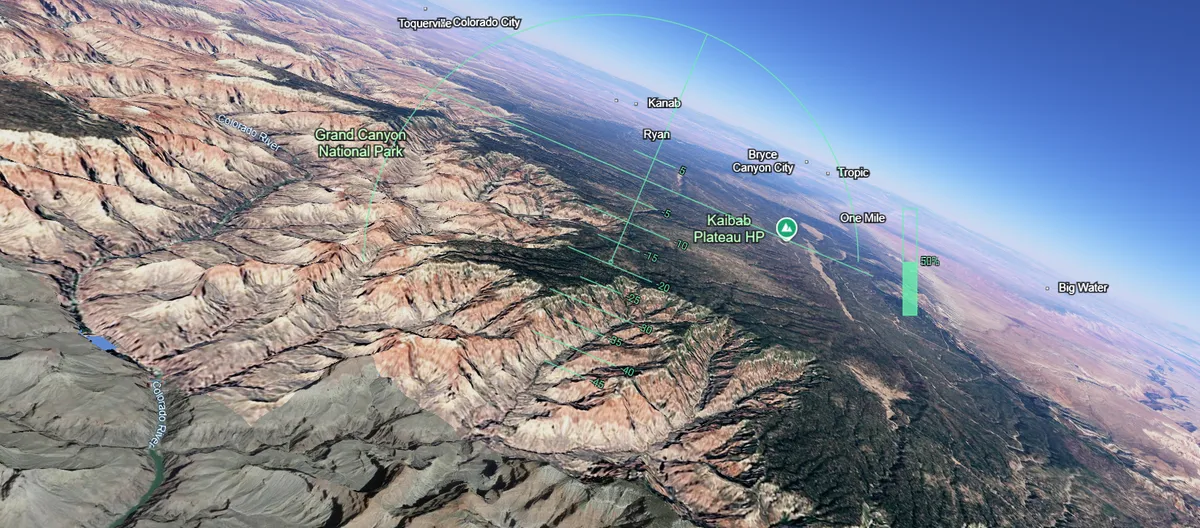
A cruise over the Grand Canyon using Google Earth's Flight Simulator, screenshotted shortly before crashing.
Image credit: Google Earth (data: Google, Landsat/Copernicus / Airbus Data SIO, NOAA, U.S. Navy, NGA, GEBCO / LDEO-Columbia, NSF, NOAA)
============================================================================
Google Earth has just made its "Flight Simulator" freely available in web browsers for everyone. Here's how you can use it in just a few clicks.
Launched on June 12, the tool allows anyone with access to Google to control a plane from a cockpit-view over the 3D landscapes and cityscapes of Google Earth.
The simulator was previously hidden inside the downloadable Google Earth desktop application as an "Easter egg", but it has now been made available in the standard browser version, which you can access here.
Simply open up the link, click the “Tools” menu on the top bar, then select “Flight Simulator.”
Don’t expect it to be as fancy or technical as paid-for video games like Microsoft Flight Simulator, but it's the best time-wasting tool you’ll be able to play for free from the comfort of your office chair.
Prepare for takeoff. ✈️ Flight simulator is now available globally on web to all users. https://t.co/jV5ZW7BZeW
We've recently added many our most powerful professional desktop features to web. Elevation profiles, new import types, but there's always been one other feature… pic.twitter.com/s11NDaCx60— Google Earth (@googleearth) June 12, 2026
ⓘ IFLScience is not responsible for content shared from external sites.
The controls – which are a little tricky to get a hang of at first – are as follows:
Action Keyboard control Increase thrust Page up or click on-screen indicator Decrease thrust Page down or click on-screen indicator Pitch down (dive) Down arrow Pitch up (climb) Up arrow Roll left (bank) Left arrow Roll right (bank) Right arrow
Tech Ping!.......................
AVIATION PING!...................
Bookmark
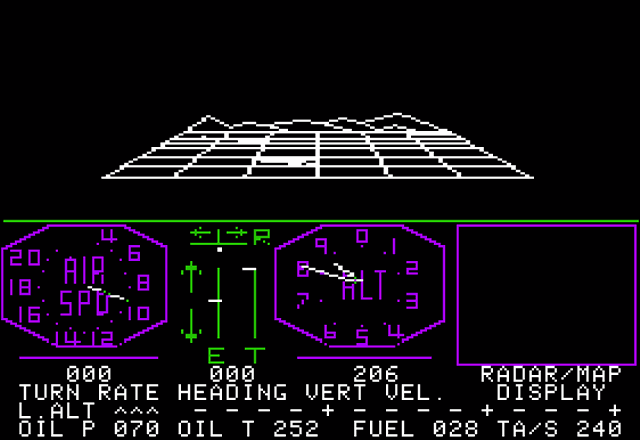
Are they tracking users who only learn how to take off and fly, who never practice landing because they have no intention of landing?
Can I use Meigs Field?
I don’t think it’s there any more.............
L8TR
BSOD?.....................
Will it run on a Tandy 1000?
ctl-alt-del
I doubt it! We actually have one on a shelf here at work!................
Bump. A Droid tablet = no good- too hard to control. Wil. Try with computer tomorrow
Yes, Meigs field is one of the airport options. (The two aircraft options are the Cirrus SR22 and a F-16.) I just took off in the F-16 from a Naval Air Station near where I live, and crashed into our house. :)

You may need the cassette tape upgrade.
So I just followed the link in the article and Google Earth just opened up...right over my house, creepy! Last I recall seeing this was on a tablet 2 or 3 years ago, maybe I’m still signed in or something.
Much better resolution though it is still the same as it was many years ago.
Disclaimer: Opinions posted on Free Republic are those of the individual posters and do not necessarily represent the opinion of Free Republic or its management. All materials posted herein are protected by copyright law and the exemption for fair use of copyrighted works.