Oh man... I think you may have just talked 99 of those 100 who were on the fence about switching to Linux right out of doing it. This gives the impression that if you switch to Linux you will have to learn how to use commands in the terminal. Folks do not want to have to do this. When the reality is you will almost never have to use the terminal with the new Linux distributions, they are all Drag and Drop Graphic interfaces just like Windows. All the same features and mouse menus as Windows 7.
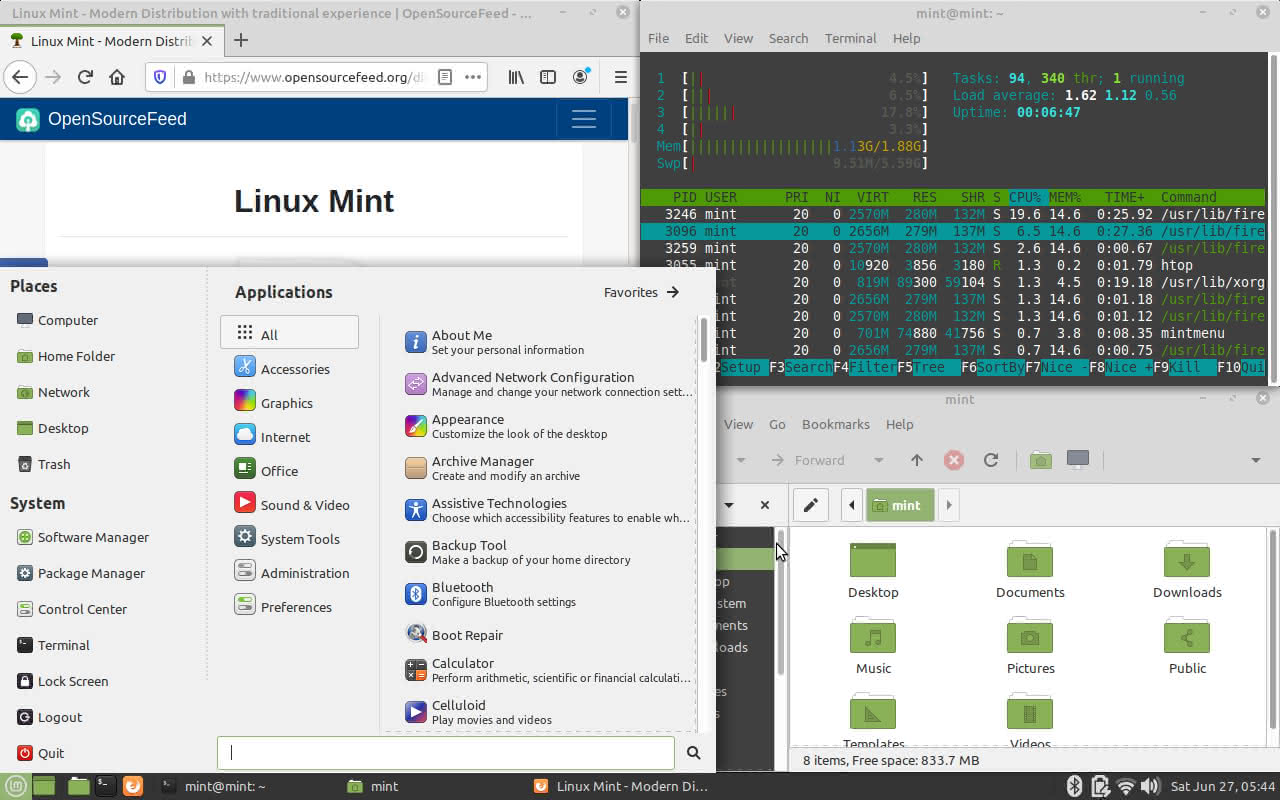
And if you have the Cinnamon desktop you are not stuck with the default "Theme", You can change to assorted Graphics Themes in just a few clicks in the system settings. You can even make it look and feel like win 10 if you like...
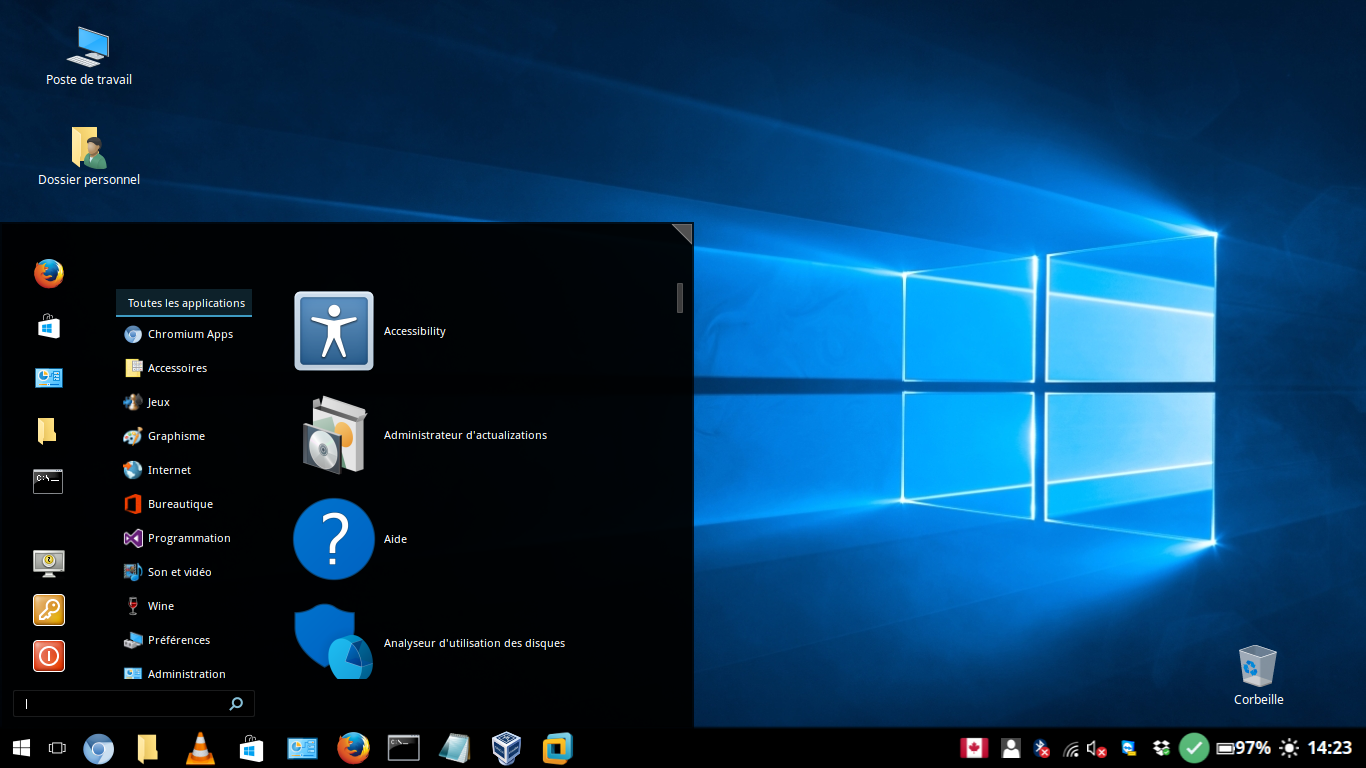
https://cinnamon-spices.linuxmint.com/themes/popular
No kidding. I've been using some flavor of Ubuntu for 20 years(currently Kubuntu) and I rarely type commands. If I want to do some advanced thing, I usually do a web search and end up on stack exchange or ubuntu forums and copy/paste a command I find there.
Of course to be more accurate, you definitely do need to use the terminal for Linux. Every web server is command line only. It's not until Linux is built upon with Debian or the like that you get a graphical desktop. In my case; Linux>Debian>Ubuntu>Kubuntu>KDE Plasma and another machine skips Ubuntu and Kubuntu for Linux>Debian>KDE Plasma.
They look the same but Debian likes to be super stable so without Ubuntu/Kubuntu, everything's one version older.
I think it's hard enough for people to wrap their head around Linux distributions and desktops. No need to scare them away with commands and terminals that they likely don't need.
Exceptions for me;
ImageMagick for bulk optimizing pics for a website. It's command line only because it was written for and is installed on most web servers.
ffmpeg for converting file type and/or optimizing video files to save space on my HTPC (which also runs Kubuntu)
I don't use them enough to know the commands so I have text files I copy/paste from.
yt-dlp, a video download utility for youtube or most any website but that one's easy enough to remember
yt-dlp https://www.youtube.com/watch?v=uCC1qO75zDk
It's also one of the rare times I change directories via command - cd/Videos
If I wanted to download it to a directory three levels deep and/or a directory with a long name, I open the file manager and go to the folder and then right click > open terminal here
I also do that if the directory has a space in the name because I can never remember the command and I don't need to remember because I can use the file manager as above.
25 years ago I had DOS and set up Word Perfect to print in the boxes on pre-printed invoices with a dot matrix printer, all done via the terminal. It was a cool thing to do -- 25 years ago.
I haven't used ImageMagick in years as it was for our family tree website and that software didn't make use of ImageMagick on the server and my sister who did the family tree, had hundreds of huge images.
Haven't used ffmpeg in about a year but I definitely had to go hunting for and tweaking commands for that because they're the kind of commands that have a lot of punctuation marks in them.
Not many people are wanting to optimize/convert 300 images for the web or optimize/convert videos downloaded via torrents. There are browser addons/extensions for downloading videos from youtube.
Surf the web. Check email. Create/edit office docs. Manage pics. File Manager. That's all 95% of people need.
I ditched LibreOffice in favor of ONLYOFFICE which has a lot friendlier interface than LibreOffice and is reminiscent of MS Office or Office365.