Posted on 09/12/2023 2:40:18 AM PDT by Apple Pan Dowdy
FXW SUWLKNWIF XVL NJIW OJUW FJ LWGRUW FXW HJUNWU VIN FJ NWVY EKFX FXKL KLLRW JC KOOKQUVFKJI FXVI VITHJNT WYLW. XW UWVYYT XVL! — MVUKIW PWVI-SKWUUW
The way it works is a letter stands for another letter. For example: AXYDLBAAXR is LONGFELLOW (does not apply to today's cryptogram).
Beware, the game is very addictive. If this is your first time, don't be intimidated, you’ll be solving them all within a few days. If you’re stumped, take a break and return to it.
PLEASE DO NOT post the answer in general comments, but DO post your time and how you made out.
You can certainly send your solution to my private reply, or if you need a hint for today’s Cryptogram ASK THE GROUP FOR HELP!
I suggest printing these out and work them on paper. If you need a little help you can copy and paste it to Hal’s Helper below.
You can then work on the puzzle without using pen and paper, but I recommend that you do NOT look at the letter counter.
HAL'S CRYPTOGRAM HELPER
One last request. Feel free to post a fun or clever clue, the more tangential to the quotation the better, but please don’t put the actual words of the quote in the clue.
Enjoy today’s Cryptogram and have a TERRIFIC TUESDAY.

-PJ
“TH OWP RKWVV LIWRL PHE MIHC XKL CLCHIP HM XFCL ~SFIZFV”. — UHIOR FTRJIFALO HT XKL 9/11 CLCHIFWV CERLEC
Solution to previous puzzle (select the yellow text with your cursor to read):
“NO DAY SHALL ERASE YOU FROM THE MEMORY OF TIME ~VIRGIL”. — WORDS INSCRIBED ON THE 9/11 MEMORIAL MUSEUM
HAL'S CRYPTOGRAM HELPER

LOL. Mr. Wetback Express.

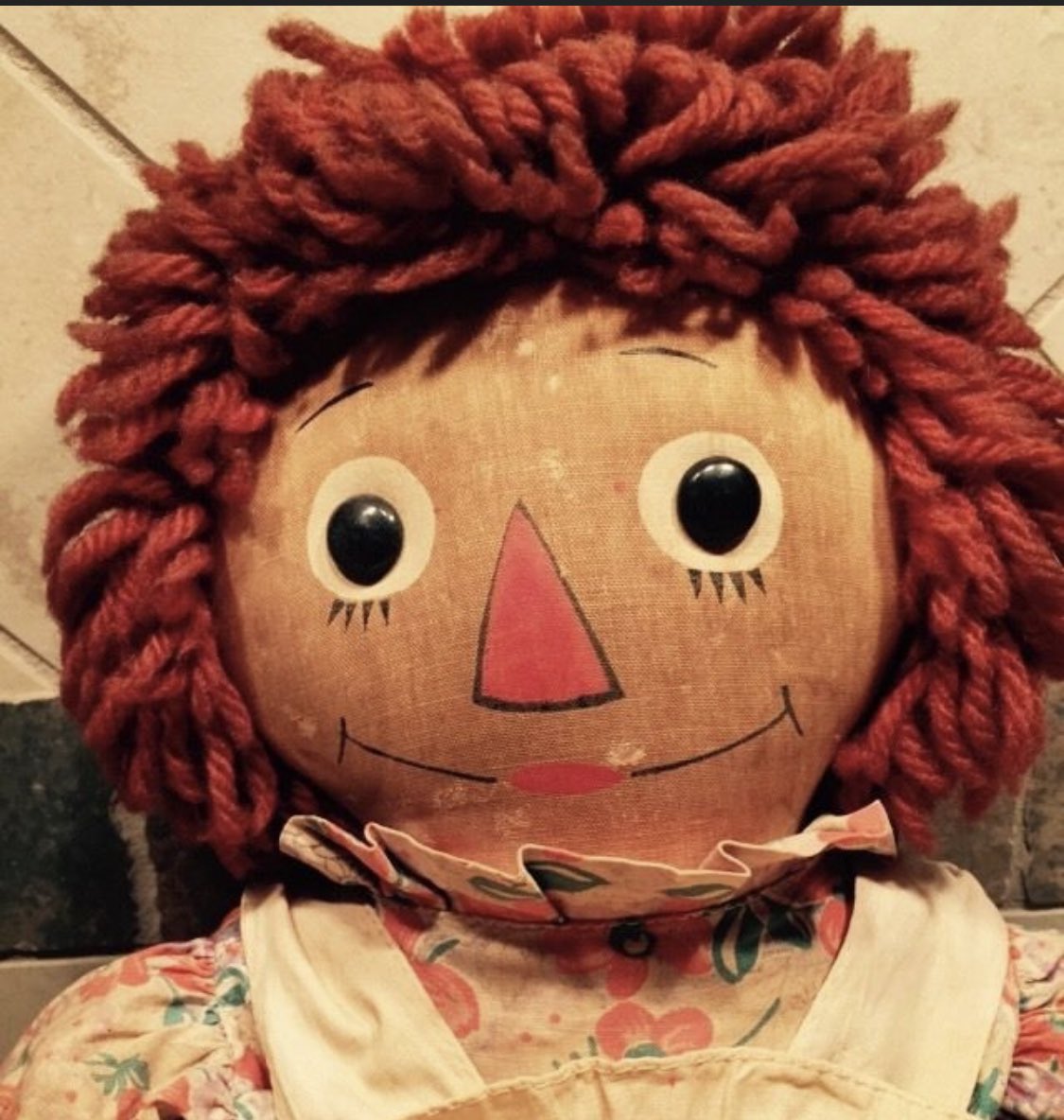
Baldwin, you win the thread today for the best clue.
In the long run, this may be true - by making it less attractive.
Agree with the sentiment,but points off for "width = 75%" on an image that is as high as it is wide.
Sorry, it was huge to begin with and I only know how to shrink by width. I assume you do the same for height=75%” ??? It’s haarrrrd.
width=300And a note to Baldwin … leave a space before you add in the “width” code, then have your “>” on the end.
Or
width=400
The height will automatically adjust to whatever width you use.
The problem with pixel specification is that the appearance will depend on the display device. 400 pixels on a mobile phone will probably fill the page. The problem with specifying width of the window is that PC windows have an aspect ratio of about 3:2, so a width of 75% on a square image results in an image occupying 112% of the height. Worse if the image is in portrait mode already.
The height of the resulting image is greater than the height of my monitor. I can zoom in or out all I want, with the option width = 75% I am stuck. With width = 400, then zooming is not enabled.
Just tried Baldwin’s post with my display in Portrait, and it “worked” but I do not want to have to rotate the display to see a post.
It’s a perfect square in the correct position (i.e., not “side ways) on my Mac air and my HP pc. If you know how I can make it appear the same way for everyone, I’m listening.
Here’s a long exposition on the <img> tag should anyone want to delve into it.
Disclaimer: Opinions posted on Free Republic are those of the individual posters and do not necessarily represent the opinion of Free Republic or its management. All materials posted herein are protected by copyright law and the exemption for fair use of copyrighted works.