Here are the templates I use to post pictures. Just copy the template into the post & put your direct link from Postimage between the " " marks where the template says "PUT YOUR PICTURE HERE":
[img src="PUT YOUR PICTURE LINK HERE" height="315"width="420"][/img]
For a taller pic (just reversed height/width numbers):
[img src="PUT YOUR PICTURE LINK HERE" height="420"width="315"][/img]
To make these templates show a picture, you need to replace the brackets (4 of them in each template) with "<" or ">" pointing in the right direction & here is what you do:
Replace [ with <
Replace ] with >
I had to use brackets so the html would show the template, not a blank picture!
PREVIEW is your friend!! When you PREVIEW your picture before posting & it shows up, if it looks too wide or too tall, you can reverse the height or width numbers or increase/decrease them. I just put them in the template as a starting place.
Give the templates a try & Good Luck!! :-)
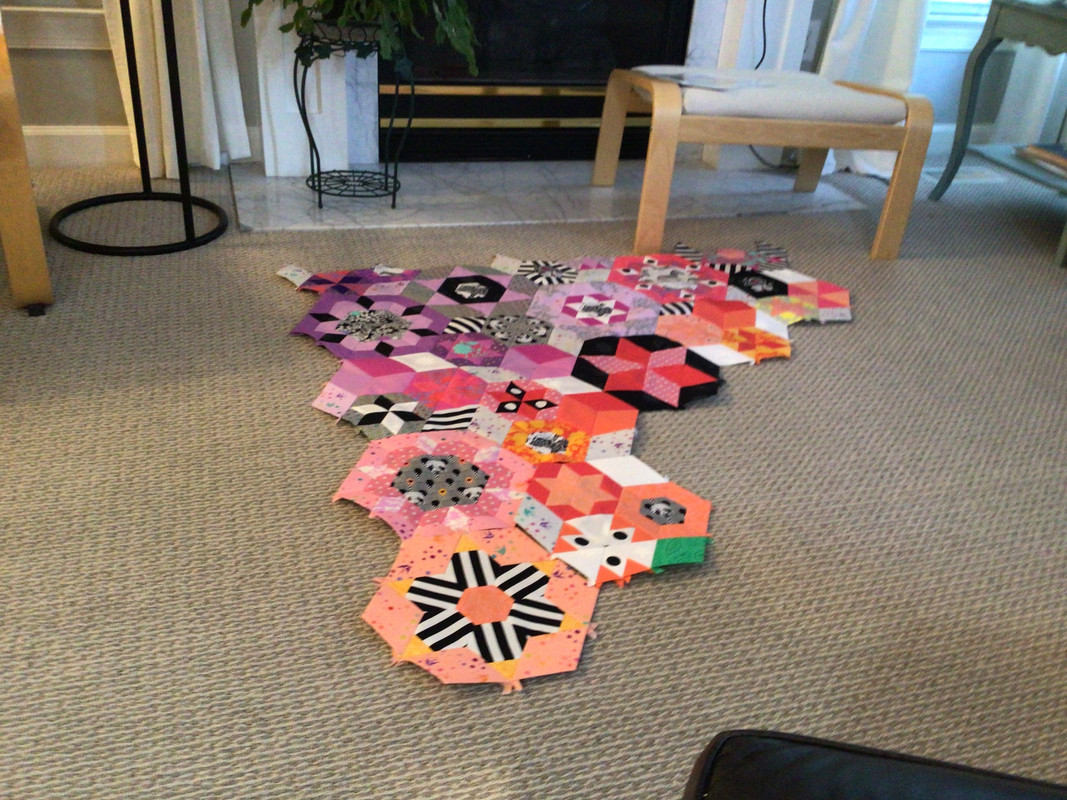
I did it! Thanks, Q This is an English Paper Piecing project called Smitten. It was supposed to be a “Block of the Month” last year and I just finished month 5. Trying to get all the Hexie blocks together before I move on to Month 6. This is my first EPP project and I can see my improvement already from month 1. ;^)