Yes, Linux is small and light compared to Windows. This makes it easy for me to run a whole Distro from a 32 gig stick. The one I am currently building in to a plug in stealth stick is actually Deved by Barry the originator of Puppy Linux called Easy OS. and it is also under 1 Gb. Little bit more techy that Puppy, and basic and generic. But the utilities and system structure is fantastic. Like I was saying, the one I just started to play with is even smaller and actually has a GUI interface and is only 53.4 Mb.
And menus and certain basic functions were faster launches under W/9x and XP under Fat32 than later versions.
Meanwhile, here is an update if you are interested. Used the latest Rufus to format and install the Linux 22.1 iso 64 bit on a 4gb usb stick I used before, but trying to boot with the live USB on the other PC (a Dell Optiplex 755, which runs W/7 OK) could not be done, as it resulted in root/var/crash/crash.init: no such file... and other errors, and later something about sdb1 error fat_get _invalid cluster, where it and stalled for a long time with no progress. Tried it twice.
So I downloaded another Linux 22.1 iso from a different USA directory (advancedhosters.com) instead of Clarkston, and again created a live iso from that.
The attempt to run that the gave the same initial error but it proceeded and is now installed on an SSD.
Expected functionality:
No problem with USB wireless dongle. Connected fine.
Could not detect/find any wireless printers (2 HP and one Brother, just 4 feet away)). Could not add with the info I had. Diver Manager reports no drivers are needed.
No pop up info upon mouse hover for non-descript icons on left side of Start menu
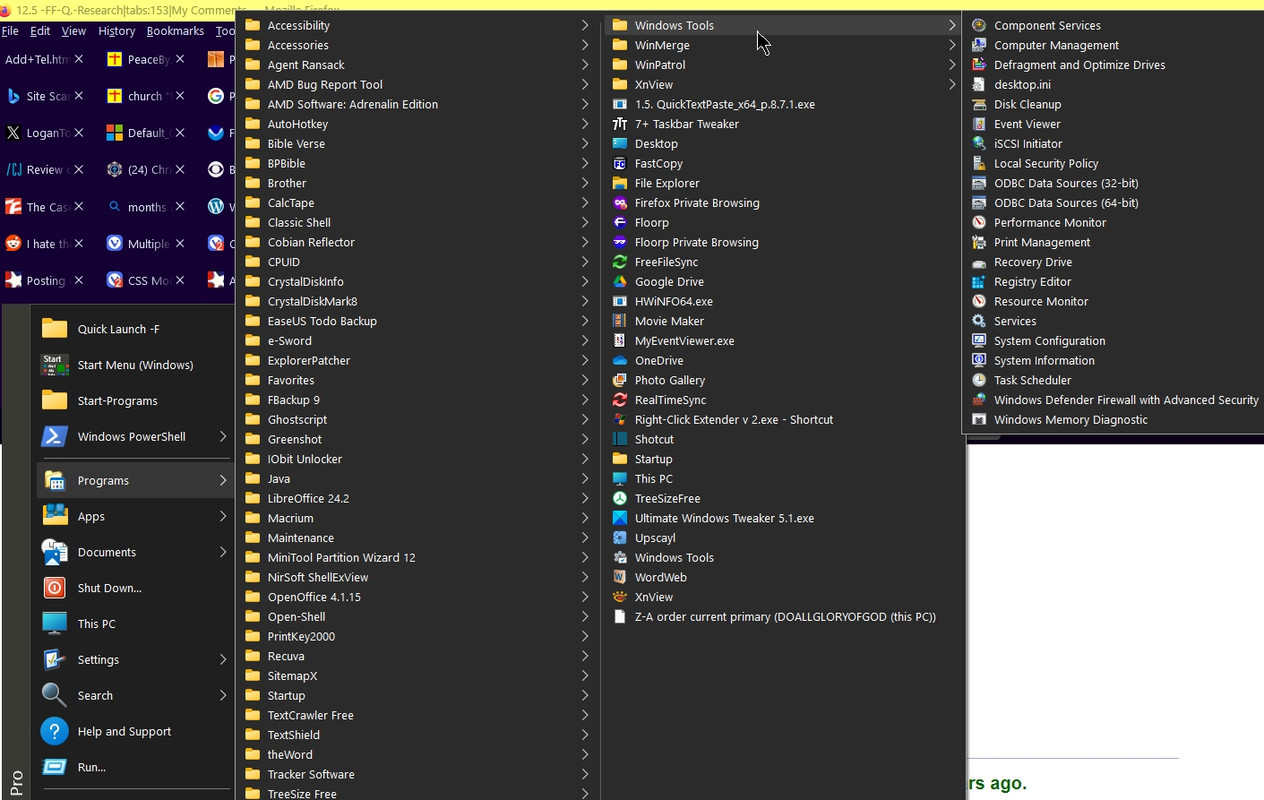
Cannot view all items in "Start" menu at once, and with fly outs. "All applications' is the closest but via I have had to do a lot of scrolling. Typing in search is a little better.
R. click option on icons therein do not show actual location of an executable. There is an option to show filesystem path in Search but a r. click>Properties should show that. Wanted to make a shortcut to firefox-bin in usr/lib/firefox but no option in r/click menu.
Trying to use menu editor twice resulted in Cinnamon menu editor not responding. Got it to work a couple times but of little help. I find sparse to no options to
Launcher properties does not show actual location of an executable as "C:\Program Files\LibreOffice\program\swriter.exe" in Windows. I could create a launcher but I like to be able to quickly find out and go to the actual location of a file.
File management preferences are good, and I found Copy to/Move to and Show full path in title bar.
Menus as in System Settings, Software Manager, etc. are not compact (no View As (Detail, etc) option as available option in folders such as Documents).
I found customizing windows and borders under system settings, effects and themes as providing little functionality in scope (border sizes and different colors btwn active/inactive windows, etc.) Other users have sought this, but it should be enabled with any theme. Of course, no modern OS or any Linux distro I ever used came class to the scope and depth W.9x enabled.
Date & Time offers no option for I tried under shortcuts but option is not there. II tried under shortcuts but option is not there. II tried under shortcuts but option is not there. Iabbreviation of day, month.
No right click option to copy or create shortcuts to Sleep, Restart, Shutdown. Searched and found people looking for this for over a decade, but I was was able to create a Launcher for shutdown, restart and sleep, and under keyboard shortcuts I was able to reassign shortcuts: Super+z for suspend, and Super+x for shutdown and Super+r for restart, since they already had shortcuts. Of course, I did not realize the capslock key had been pressed when i did is, so I had to correct that.
Wanted to find the sudoers file for negating the frequent need for pw, as per a link (from 2006) you https://keycombo.info/en/linux_mint_linux/select_multiple_items">provided - thanks. Could not find any file manager that would search files and text and launched Software manager (which has a inefficient layout IMO, akin to a smartphone) and searched and found the excellent Search Money apps that I had remembered from years ago.
It found the sudoers file in /etc, however, I could not edit it since it needed a default text editor, which I would think would be already set. Explored but found no option to enable it satisfy what is required to edit sudoers.
But someplace I did find out how to stop asking for a p/w on wake up, thank God.
Menu>system settings>keyboard>layouts>options>caplocks behavior does not offer any option to change caplocks to a combo, nor create your own.
There are no keybindings for capslock not option to reassign under keyboard. I found posts by me going back 2015 asking how to remap capslock to ctrl+c on Mint forums, which was to no avail, nor on Ask Ubuntu .
This should be simple, not complicated. There have been users asking how to remap capslock for decades, but solutions are to remap capslock to ctrl or esc or a single key but unlike in Windows, changing it to function a combo key as ctrl+c and to persist past sessions seems to be complex, if possible.
And for me it is essential, not only due to the efficiency, but said, my stiff arthritic typo-fingers (and speech to text software does not suffice). I find it hard to believe that even apart from any type of handicap, people would not want a 2 key action to copy and paste rather than taking the time to do so with a mouse or twice simultaneously hold down two finger-stretching keys.
Of course, few people seem to ask themselves, "I wonder if there are shortcut keys to Sleep, folders, etc." or even to enable the keyboard to be a basic piano. etc. And many developers think options are to be very restricted and minimized (why would MS think the multilevel taskbar and custom "quick launch" bar - to any folder on your drive - are superfluous? As with seeing file extensions and details by default? And that menus should look like a child's big letter, playroom?
One of the first thing I do with a computer or smartphone (the latter is a poor substitute for a computer aside from the mobility aspects) is look for customization features, including developer options (Android). As a truck driver, I was looking for shortcuts (sometimes they weren't!). Glory to God for options, and an inquisitive mind, if used for good. However, sometimes the default is best. Pardon my perplexity, as I come short in plenty.
And thanks for your interest and a tolerant help, which you are in no obligation to provide.
To read when I am in Mint: https://www.linuxuprising.com/2020/12/remap-keyboard-and-mouse-buttons-on.html
“Could not find any file manager that would search files and text”
The default file manager has search by text. It will search where you happen to be in the folders. Home, home files, system files, individual folders Etc. Top magnifying glass icon. But it is only going to search for folder or file “names”. So name them well if you want to use the text search option to find them.
Editing files.
If you want to edit a file such as a configuration file, you have to back up to the folder that holds that file and root the whole folder first with the right click root option. Then go back in the folder and right click the file you want to edit. It will then bring up the default text editor in root with permanent edit/save capability.